Text briefing | Sources checked November 8, 2026
Check Each Promise in an AI Client Proposal
A pending dashboard idea can become an unsupported client promise. Map each claim to the approved source before owner review.
- For
- People preparing an internal AI-assisted client proposal review draft from permitted material.
- Use it to
- Map each proposed promise to a source and decision status before owner review.
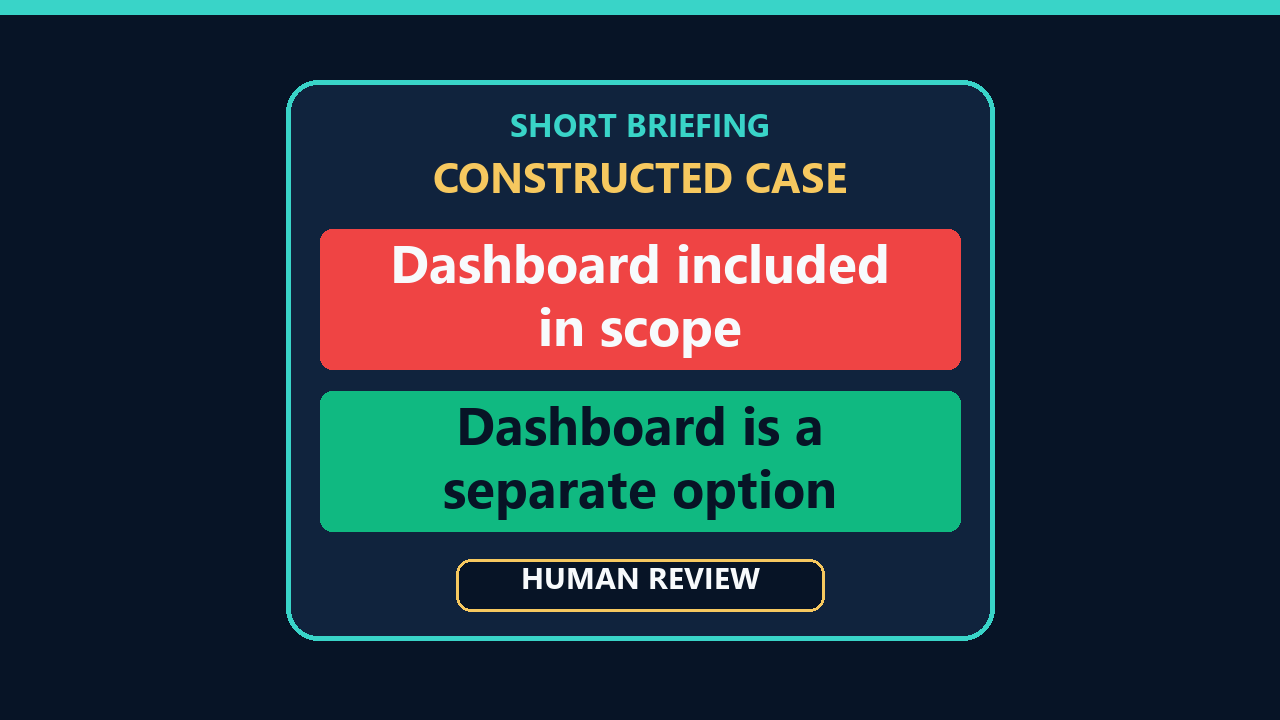
In this constructed case, a client proposal draft promises a dashboard that the team only raised as an option. Sending that sentence could make the client expect work nobody approved. The useful check is to label each source line by decision status before an assistant turns notes into promises.
This is a constructed teaching case. Every source note, approval, draft sentence, and correction below is fictional. No real client material was submitted to an AI tool, no separate live model response was captured, and no proposal was sent. This lesson demonstrates a source-to-draft check, not an observed model failure or legal review.
For: Someone preparing an AI-assisted client proposal or statement-of-work draft from material they are allowed to use.
Use it to: Keep a pending option distinct from approved draft scope and give the responsible person an auditable review copy before any send.
Three notes, three different jobs
Imagine a fictional proposal owner gives a drafter these notes:
| Source ID | Fictional note | Decision status |
|---|---|---|
| S1 | Approved outline: “Include one two-page onboarding checklist for the client’s new account managers.” | APPROVED for the draft; final send still requires review |
| S2 | Brainstorm: “A dashboard could be useful later; ask the client whether they want it.” | PENDING option, not a deliverable |
| S3 | Owner handoff: “No delivery date, price, or dashboard work has been approved. Send me the final draft before it goes to the client.” | UNKNOWN date and price; owner controls the send |
Only one deliverable is approved for this draft: the checklist in S1. The dashboard in S2 is one option awaiting a decision. There are zero approved dates and zero approved prices in this packet. Those counts come from reading the three fictional notes, not from testing a model.
The status matters more than how polished a sentence sounds. Here is a constructed premature draft, not an actual AI response: “We will deliver the onboarding checklist and dashboard next month.” The checklist has support in S1. The dashboard has only a question in S2. “Next month” has no supporting line at all. The draft has silently turned one approved item into two commitments and added a time claim.
Map status before asking for prose
Make a small review map with four columns: the proposed client-facing claim, its source ID, its current status, and who must decide it. Do this with the actual approved materials. A source can support a fact without authorizing a client commitment; a brainstorm can describe an attractive idea without approving its delivery.
| Proposed claim or action | Source ID | Status in this fictional packet | Owner / action |
|---|---|---|---|
| One two-page onboarding checklist | S1 | APPROVED for internal proposal draft only | Proposal owner checks wording before send |
| Dashboard as a deliverable | S2 and S3 | PENDING option; dashboard work not approved | Ask the owner whether to mention it as an option; do not promise it |
| Delivery next month | S3 | UNKNOWN; no date approved | Leave timing open and ask the owner |
| A price | S3 | UNKNOWN; no price approved | Leave price open and ask the owner |
| Send final proposal to client | S3 | NOT APPROVED yet | Proposal owner reviews and decides whether to send |
In this example, the checklist maps to S1 and is eligible for the proposal draft. The dashboard maps to S2 and belongs in an explicitly labeled option for discussion, if the owner wants it mentioned at all. Timing and price map to S3 as open questions. The final send maps to the proposal owner, not to the assistant. The map is a working review aid; it is not a contract interpretation or proof that a client agreed.
NIST’s AI Risk Management Framework Playbook describes defining human roles and oversight responsibilities in GOVERN 3.2 and documenting oversight processes in MAP 3.5. Those are governance ideas, not a substitute for your organization’s actual rules. Here, the concrete application is simple: say who checks claims and who decides whether the proposal is ready to send.
Copy this verification rule
Tag each source line APPROVED, PENDING, or UNKNOWN.
Draft client commitments only from APPROVED lines; label PENDING items as options.
Leave unsupported dates, prices, and owners open instead of guessing.
Return a review copy with each promise’s source ID; only the proposal owner approves the final send.
A prompt for the permitted review copy
First check that the specific tool may receive the actual notes you intend to paste. The fictional lines here are safe teaching input; a real client packet may not be. When the tool and material are approved, a narrow prompt might say:
“Using only the permitted source lines below, prepare an internal review draft for a client proposal. Mark each source line APPROVED, PENDING, or UNKNOWN. Put only APPROVED work into the proposed commitment paragraph. Put PENDING ideas in a clearly labeled option section, if they appear at all. Do not supply a date, price, owner, or completion claim unless a line supports it. Return a claim-to-source table for human review. Do not send the proposal.”
OpenAI’s prompt guidance recommends clear, specific context and reviewing the response. This prompt gives the assistant a bounded task and a visible status rule. It does not make the output correct or grant permission to share real notes.
A checked correction for this fictional packet could read: “The proposed work includes one two-page onboarding checklist for new account managers. A dashboard is a separate option for discussion, not part of the committed work. Timing and price remain open for the proposal owner’s review.” That wording keeps S1, S2, and S3 in different roles. It remains a draft; the owner must decide the final language and whether to send anything.
Now audit each sentence. Circle every “will,” date, price, named owner, deliverable, and “done.” Find its source line and decision status. If a claim has no supporting approved line, remove it, label it as pending, or ask the owner. OpenAI’s accuracy guidance notes that fluent answers can still be incorrect and recommends checking important claims against reliable sources. For a proposal, the source packet and the responsible person are the immediate checks.
The method has limits. A status label can be wrong or stale; a note may not contain the full decision history; the assistant may still omit a condition or invent a detail. A source-to-draft map makes those risks easier to inspect but cannot guarantee a correct proposal. If price, deadline, authority, or scope is disputed, pause for the appropriate human review rather than asking the model to settle it.
Try this next: On your next authorized proposal draft, make a four-column claim map before you polish the prose. Mark one pending option visibly, leave unsupported fields open, and ask the named owner to check the final review copy before anyone sends it.
Sources
- NIST AI RMF Playbook, GOVERN 3.2 — differentiated human-AI roles and oversight responsibilities.
- NIST AI RMF Playbook, MAP 3.5 — defined and documented human oversight processes.
- OpenAI, Prompt engineering best practices for ChatGPT — clear context and review/refinement.
- OpenAI, Does ChatGPT tell the truth? — checking consequential claims.
All proposal records and outputs above are fictional. No live model failure, client commitment, cost saving, or contract outcome was observed or measured.
One step you can use
Map the promises before polishing.
On an authorized internal proposal draft, make a claim-to-source table, mark pending options, leave unsupported timing and price open, and ask the owner to review the copy before anyone sends it.
Limits
A source label can be stale or wrong, and a note may omit a decision. This review map is neither contract interpretation nor proof that a client agreed.
Disclosures
All proposal notes, draft language, and the checked correction are constructed teaching examples. No real client material was submitted to AI, no separate live model response was captured, and no proposal was sent. The companion video uses synthetic narration and original graphics.
Corrections
No corrections have been recorded. See the corrections process.